
When logged in with your ywam account, you have the option to create the form in a team or as a personal form.
IT recommends creating a form in a team, since personally created forms are more messy to create shared links to, in case more people need access to the answers. If the form collects a lot of confidential information, it is recommended to create the form as a "personal" form connected to your ywam account.
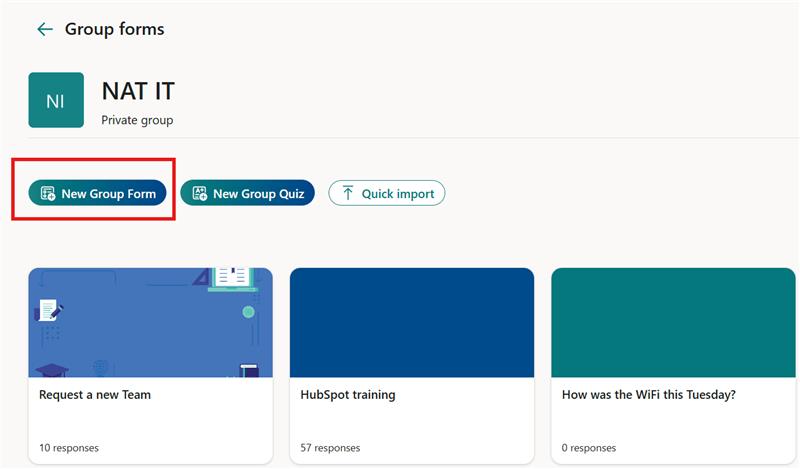
In the picture below you can click into the different teams you are a part of.

Then you can click "Create form", and you will have a form in the team.
Start by clicking "Collect responses" marked by a black box to get to the sharing page.
From here choose the red box, so that everybody can answer the form(including students)
If you want to share the link directly with them, you can copy the link shown in the green box.
If you want a QR-code, you can click the button highlighted by the blue box and download the QR-code.

When having created a form inside of a team, you cannot move it out of the team with the answers intact, it has to be copied to become a "personal" form, and then moved to the new team by right-clicking the form.