Most problems with 2-factor authentication is caused by caching of old data.
Start by clearing the cache in
- your browser
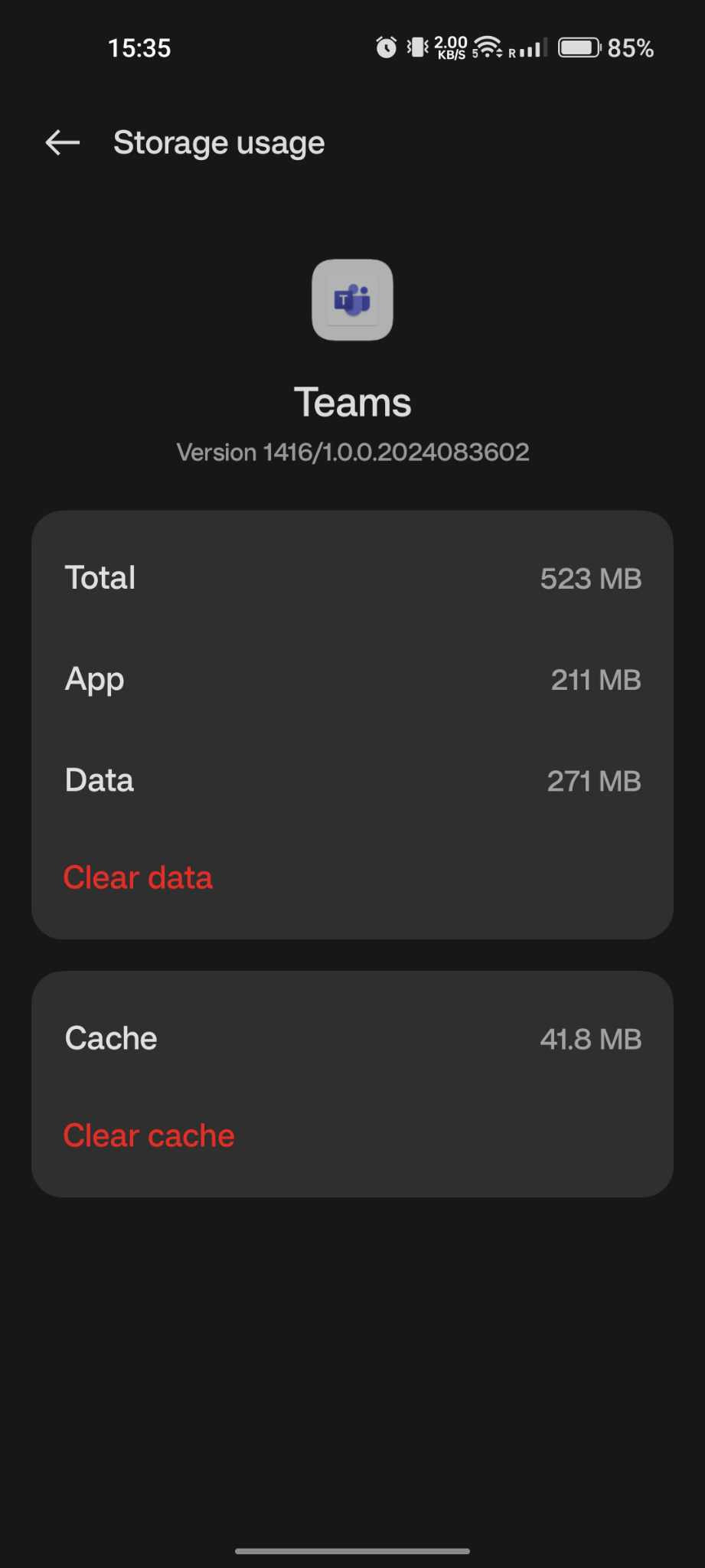
- Teams
- OneDrive (if installed)
If it still does not work after you have cleared your cache, try reinstalling Teams/OneDrive/Outlook.
You can check your 2-factor settings on https://aka.ms/mfasetup
To clear your browser cache, google how to do it. (There are too many combinations of phones/computes and browsers to list here).
How to clear the cache in Teams:
Go into settings in the app (if android), or general settings if you are on an iphone, and clear the cache on the app.
That should help the process.