
If you loose your 2-factor authenticator phone in HubSpot, you have two options.
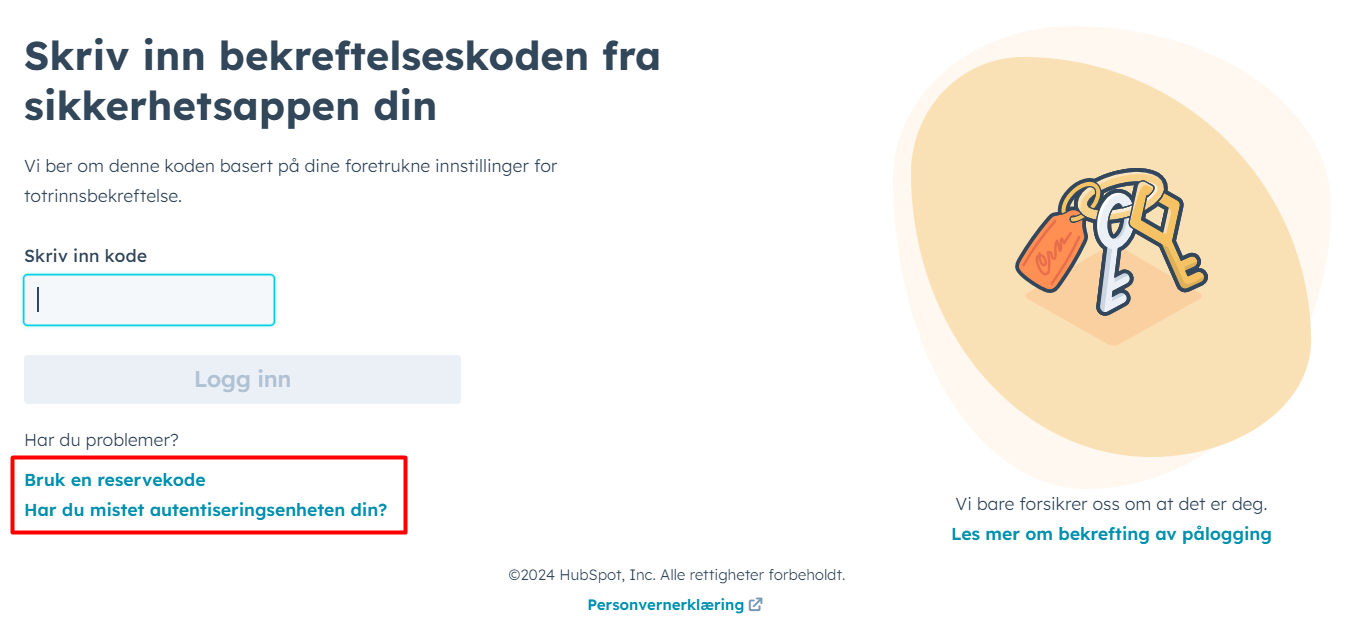
The preferred method is to use the first link: "Bruk en reservekode" / "Use a backup code". This is to use one of the 10 codes you got when activating 2-factor.
The alternate method is to select that you have lost your authentication device. This activates the following process:
- HubSpot sends an email to all HubSpot-admins
- You receive a secret code
- One of the HubSpot admins will initiate the 2-factor removal procedure and contact you
- Give the secret code to the admin when asked
- The admin will enter the code to remove the two-factor, and you can set up the two-factor again.
This method is communication-intense. Please respond promptly when a HubSpot admin contacts you. The codes have short life-time.