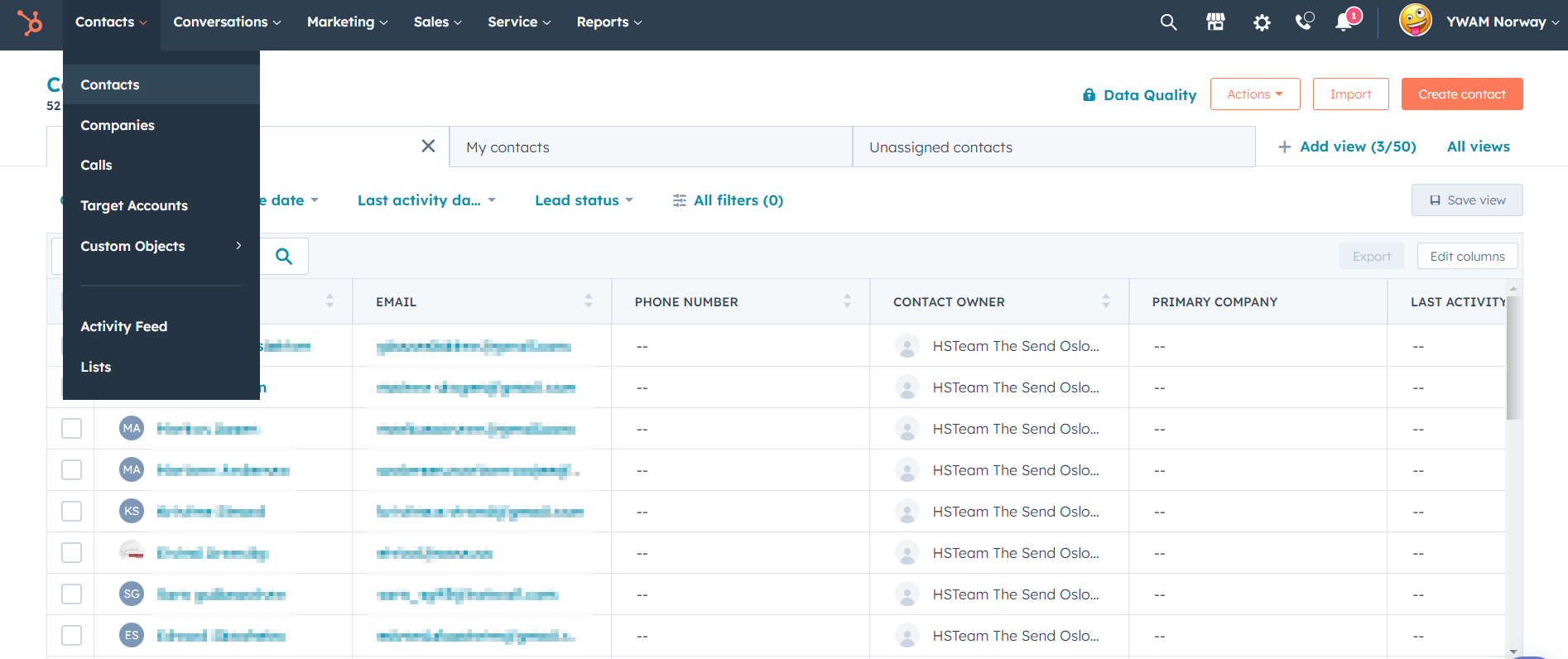
Log in to HubSpot using your YWAM account.
There are two ways to work with contacts for The Send.
The main communication flow is through Email.
Click Conversations, and go to the Inbox.
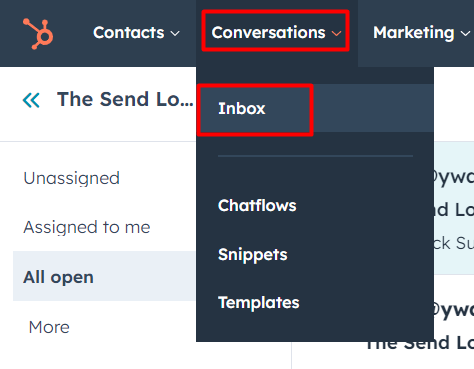 In the Inbox, select the Inbox you want to read.
Depending on your HubSpot Team, you will see different inboxes. Click the DropDown menu to switch inboxes.
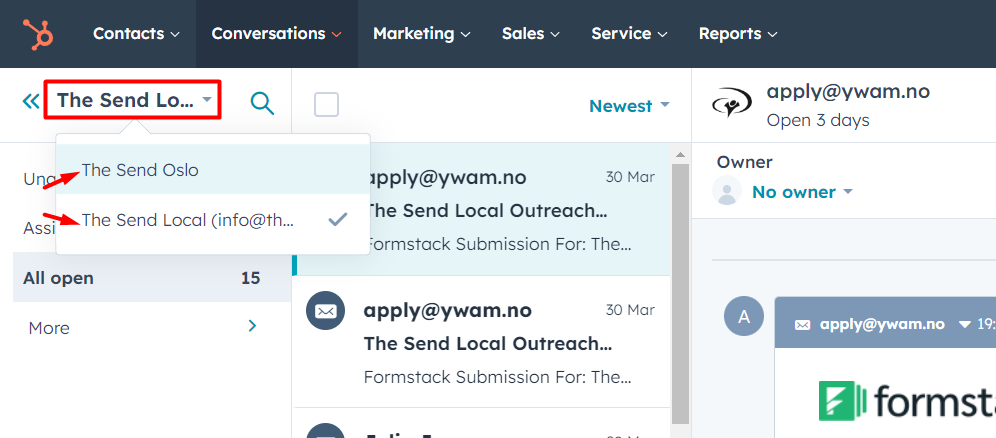
Personal emails will have extra information on the right side. You can see information about which The Send Local they're interested in, and if they have bought tickets.
There will also come submissions for The Send Local Outreach. (This will change)
These must be manually entered as contacts, and then you can take up the conversation.
The other way to work with the contacts is by going to Contacts and then Contacts again.
Here you can see all the contacts connected to your HubSpot Team.