Thank you for helping with HubSpot work.
You should have received an email with an invite link. This describes your first login and initial setup of your user account in 20 easy steps.
1. Log in to Outlook using your YWAM account. https://outlook.office.com
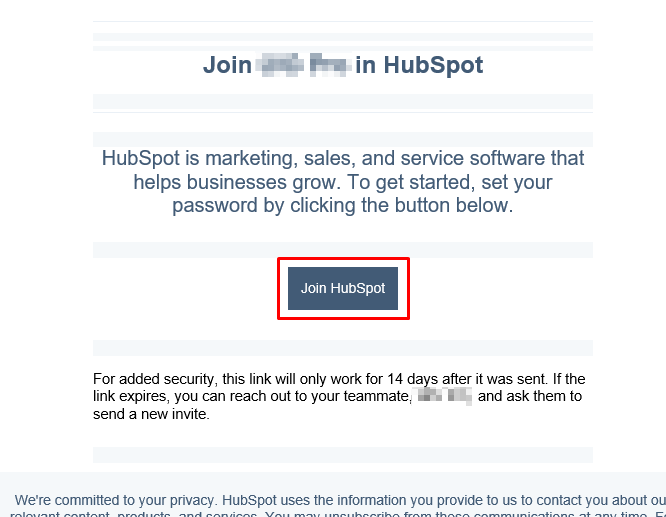
2. Open the email with the invite link and click Join HubSpot.
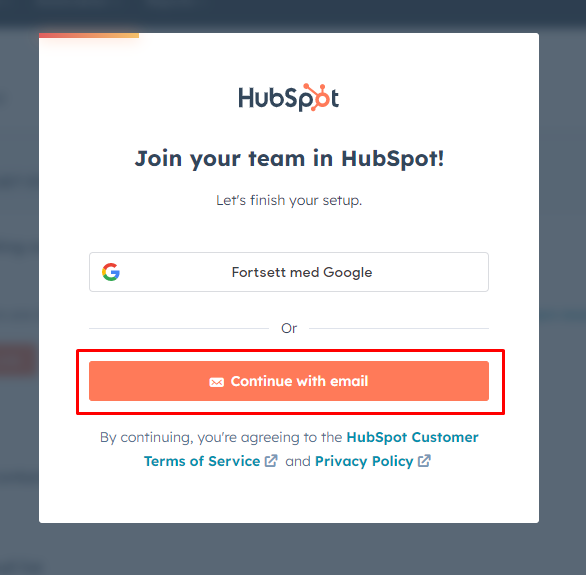
3. Select Continue with email
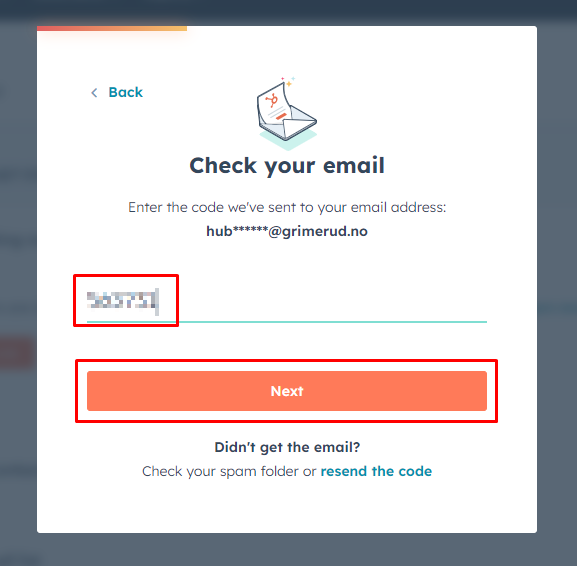
4. You will receive a code in your mail. Enter the code and click Next.
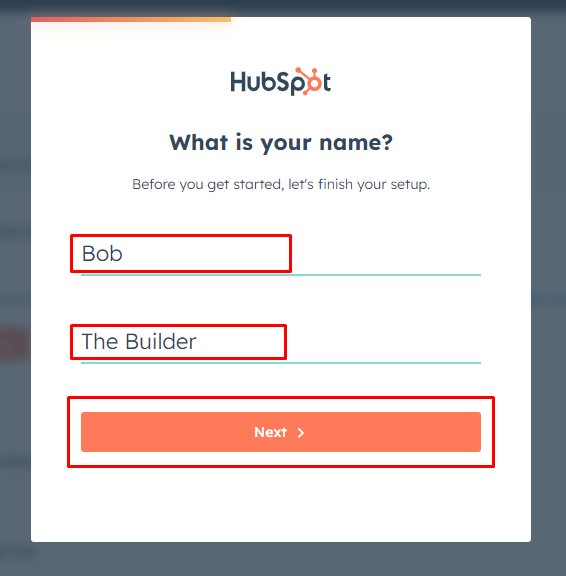
5. Enter your name. Please write it properly - make your teacher proud. Capitalize!
No nicknames*. This is the name you will be showing in email correspondance. Keep it professional.
*) If you have an insanely long an difficult name, like Bartobolominathew here, it is ok to shorten it to Bob as he uses daily. If in doubt, ask your leader.
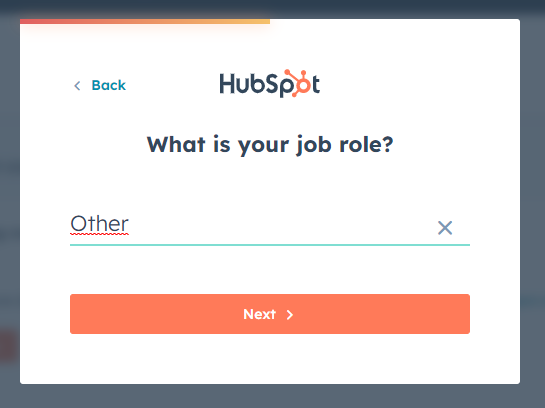
6. Have fun looking through the roles. Let me know if you find something that fits. I usually choose Other.
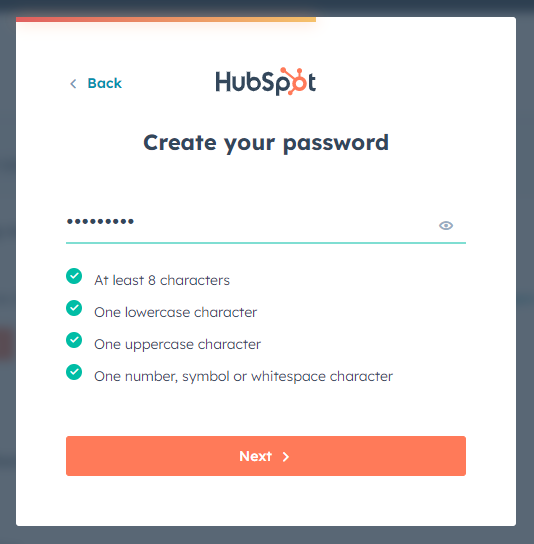
7. Pick a password. (You don't actually need this, as you will log in using your email and "single sign-on".
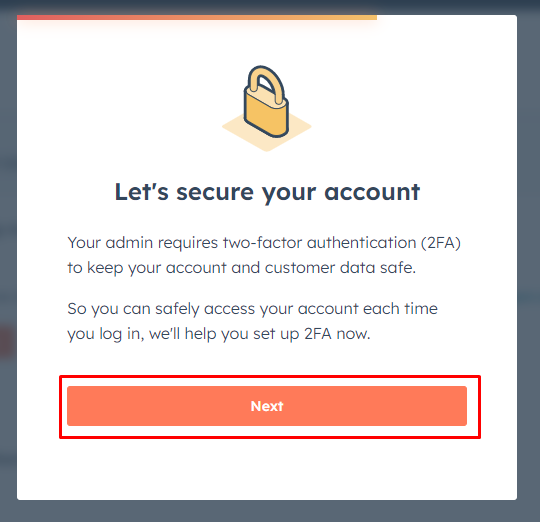
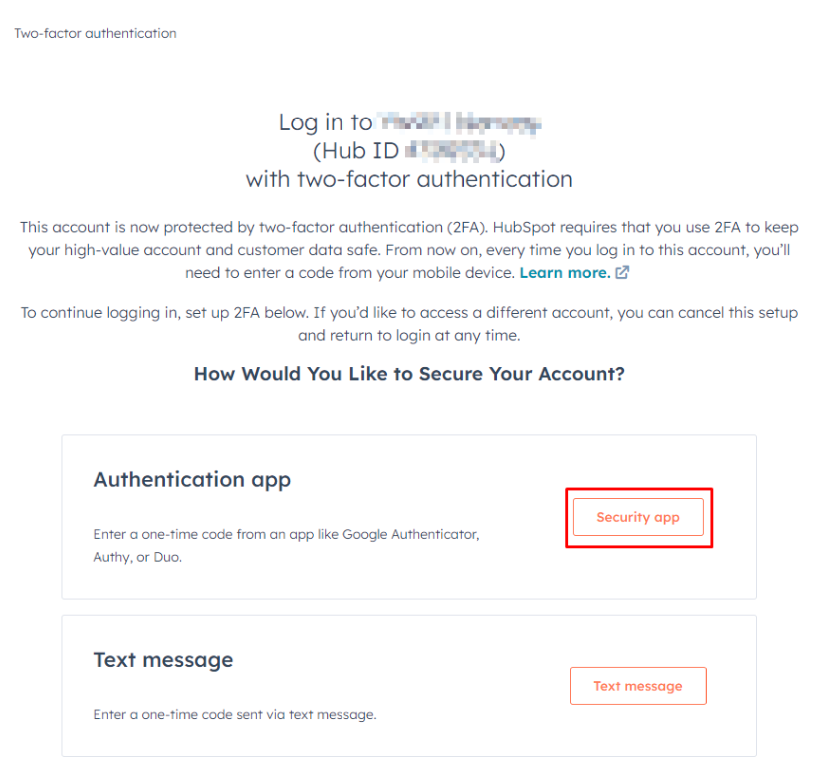
8. To protect the data of our applicants, we use 2-factor authentication. Click Next.
9. Depending on how long you plan to keep your phone number, and keep your phone without breaking it, choose the method that will always work for you - even without coverage. (Yes, MS Authenticator works well. You already use it for your email, so keep using it.)
From now on, you phone is your work tool. Take good care of it. Welcome to the adult world.
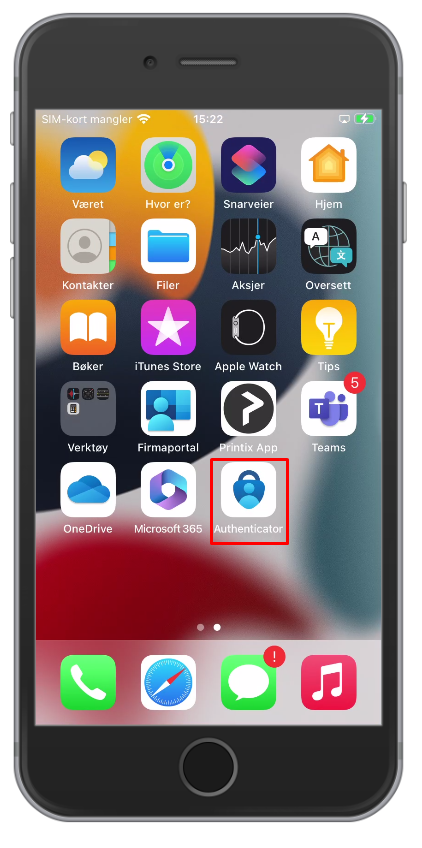
10. Open the Authenticator app.
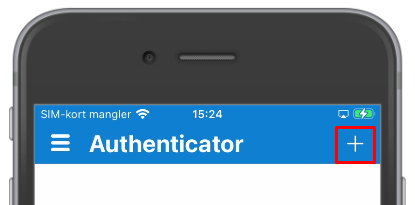
 11. In the MS Authenticator app, click the "+" sign upper right.
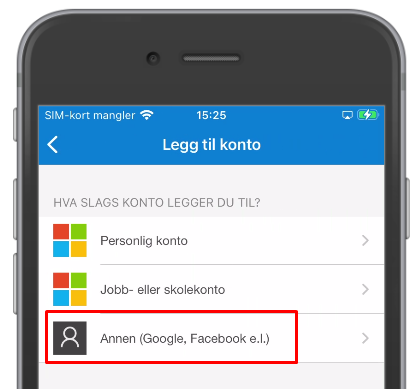
12. Select Other account, and give access to the camera if asked.
13. Scan the QR-code or enter the code presented on the screen.
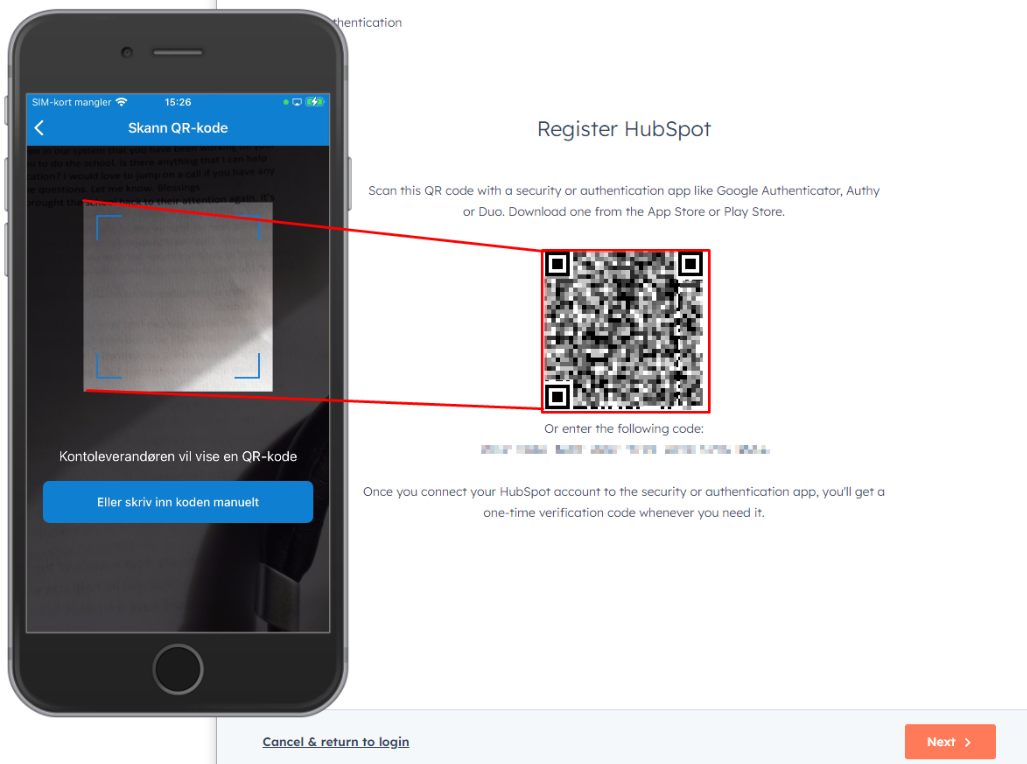
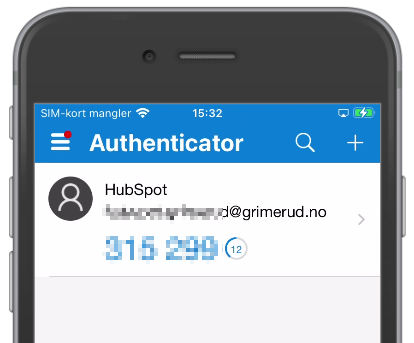
14. When done, the phone will show a rolling code together with your email address. Click Next.
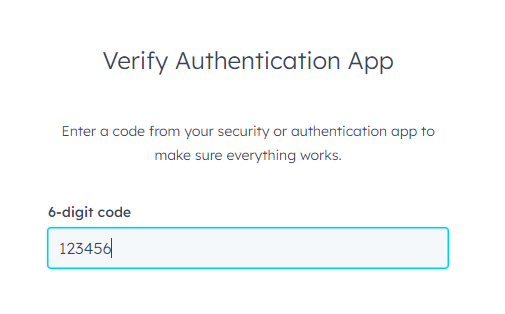
15. To verify that your device is set up correct, enter the 2FA code shown on your phone and click Next.
16. In casae you loose your phone, or a dog eats it, you are presented with some backup codes that will help you get back into your account. Screenshot it, print it and/or download the codes.
You probably do not have a place where you store such things, but you should think of getting it. This is more and more usual, so you might just get used to the thought that you need a safe storage for codes. And there will be lots of them.
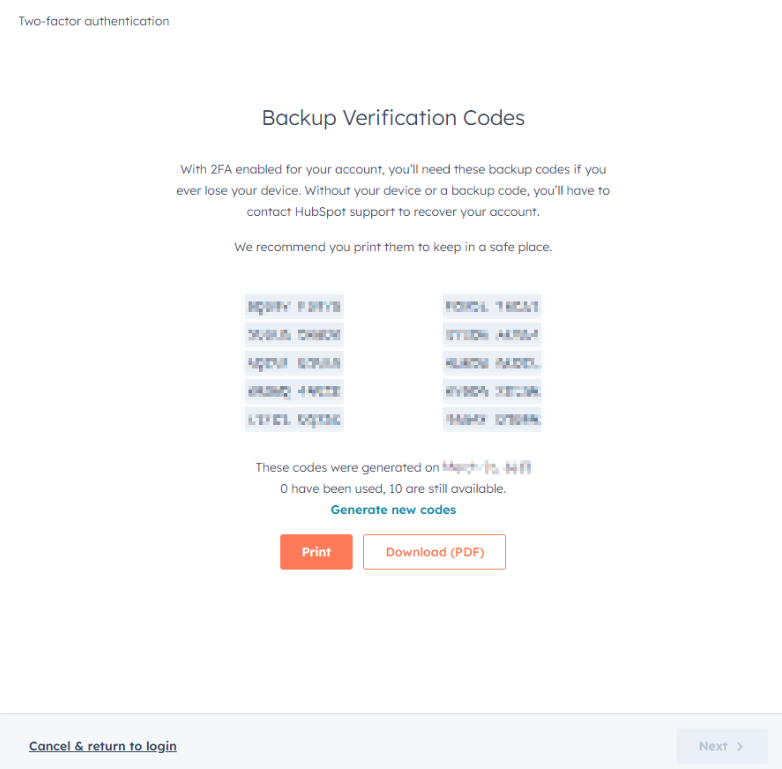
You can't click Next until you have downloaded or printed them. If you don't want to, click Print, and Abort. Then you can click Next.
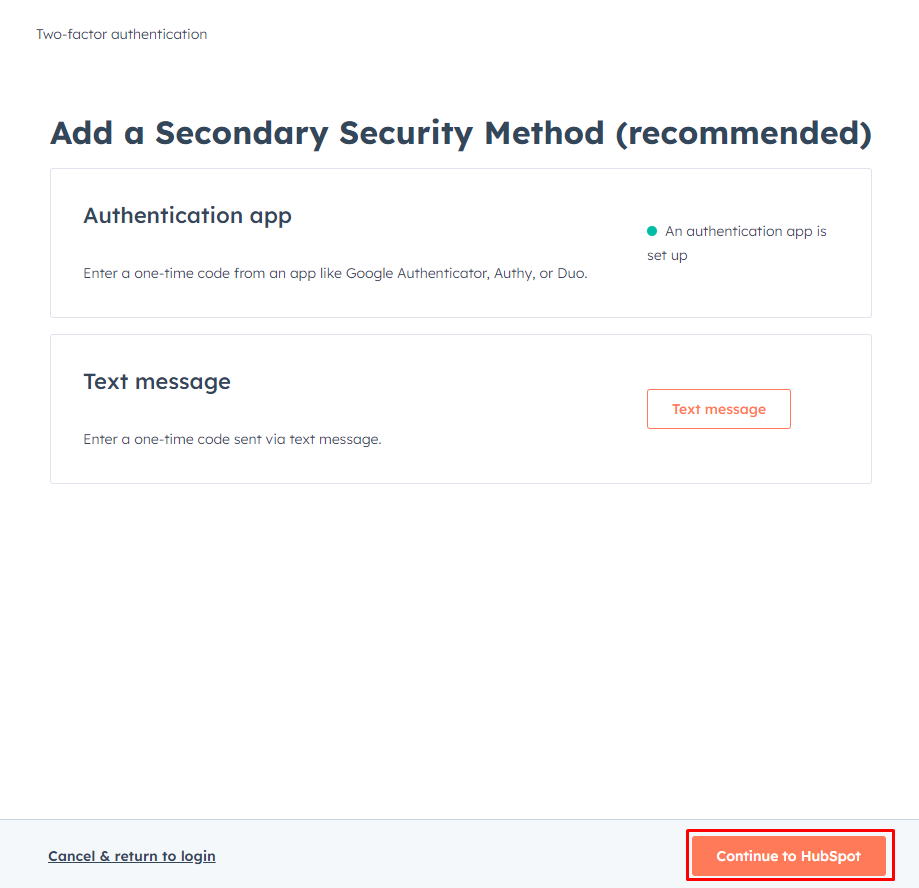
17. Set up a secondary authentication method if you want. Not necessary.
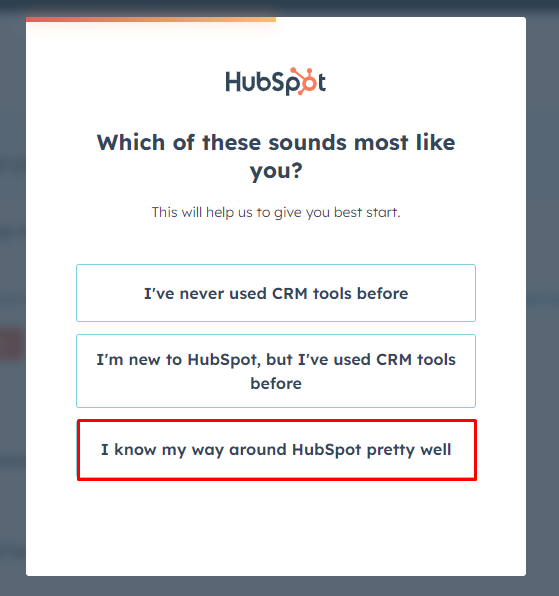
18. Choose how many helpful hints you want to receive... There are pretty good instructions for staff, so it's safe to select I know my way aroung HubSpot pretty well.
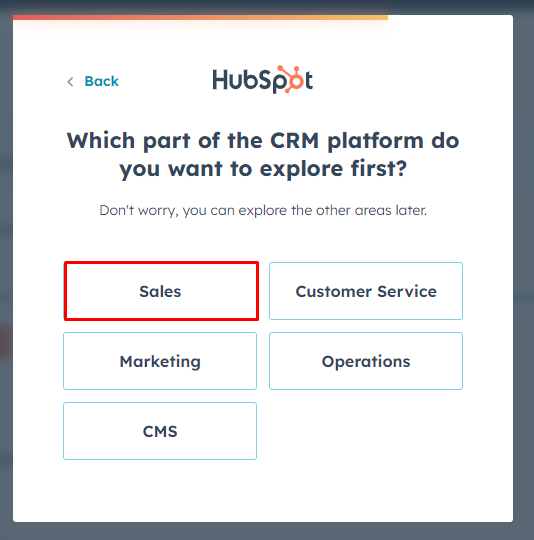
19. The main area you will work is Sales.
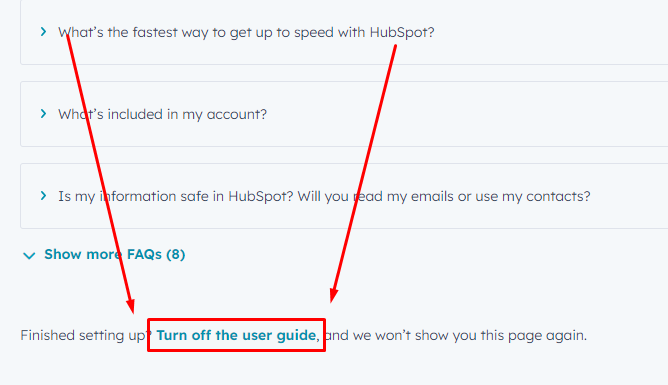
20. Scroll aaall the way down and turn off the guides. Many of the default guides are in conflict with the way we use HubSpot.