
Log in to HubSpot.
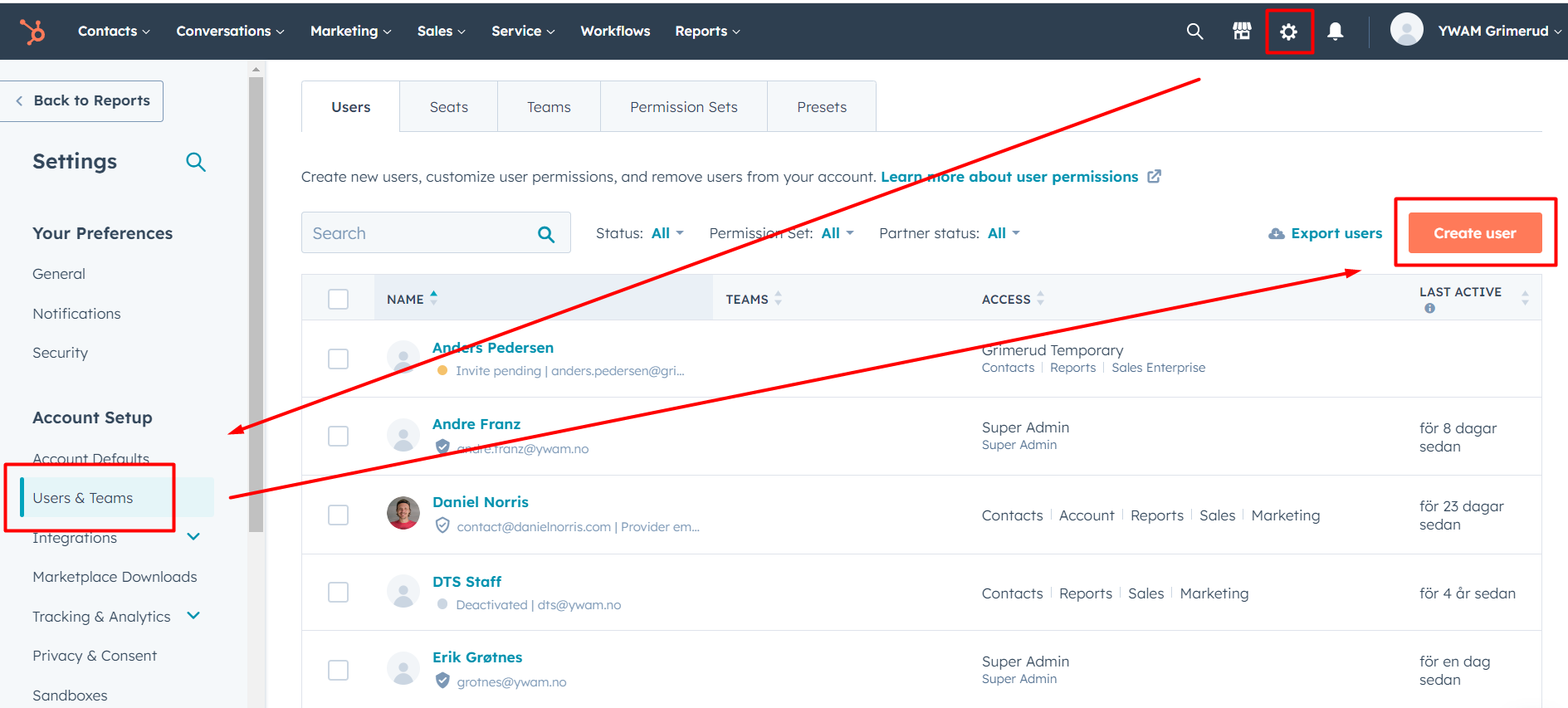
Click the Settings icon, select Users, and click Create user.
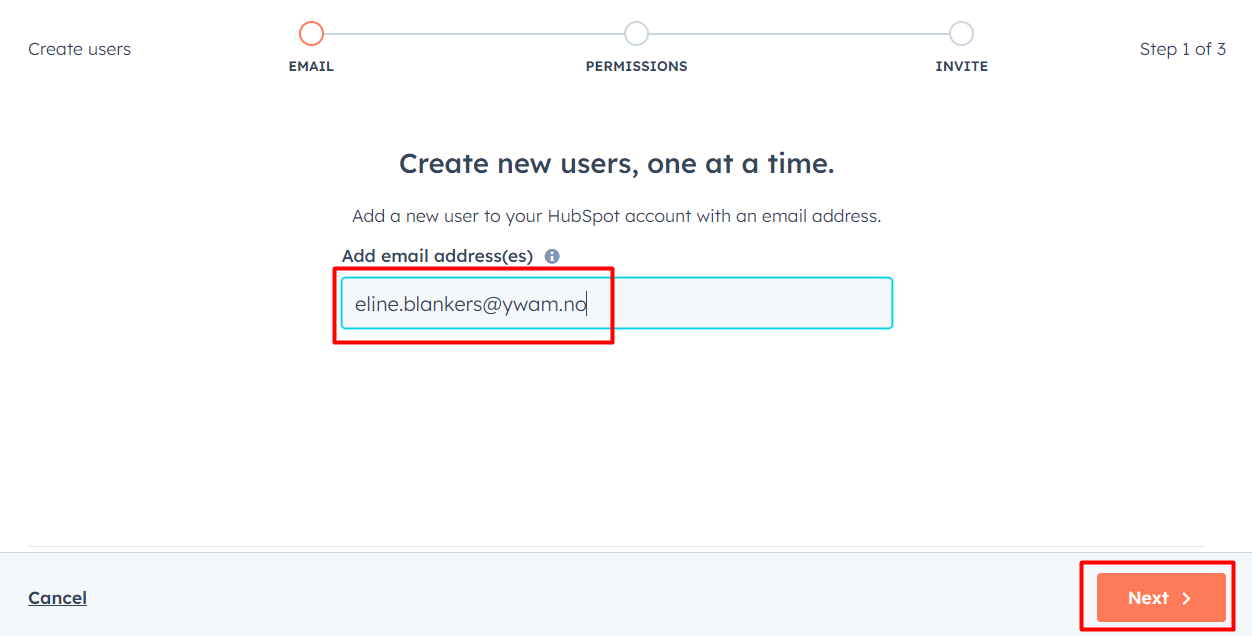
Enter the users ywam email address.
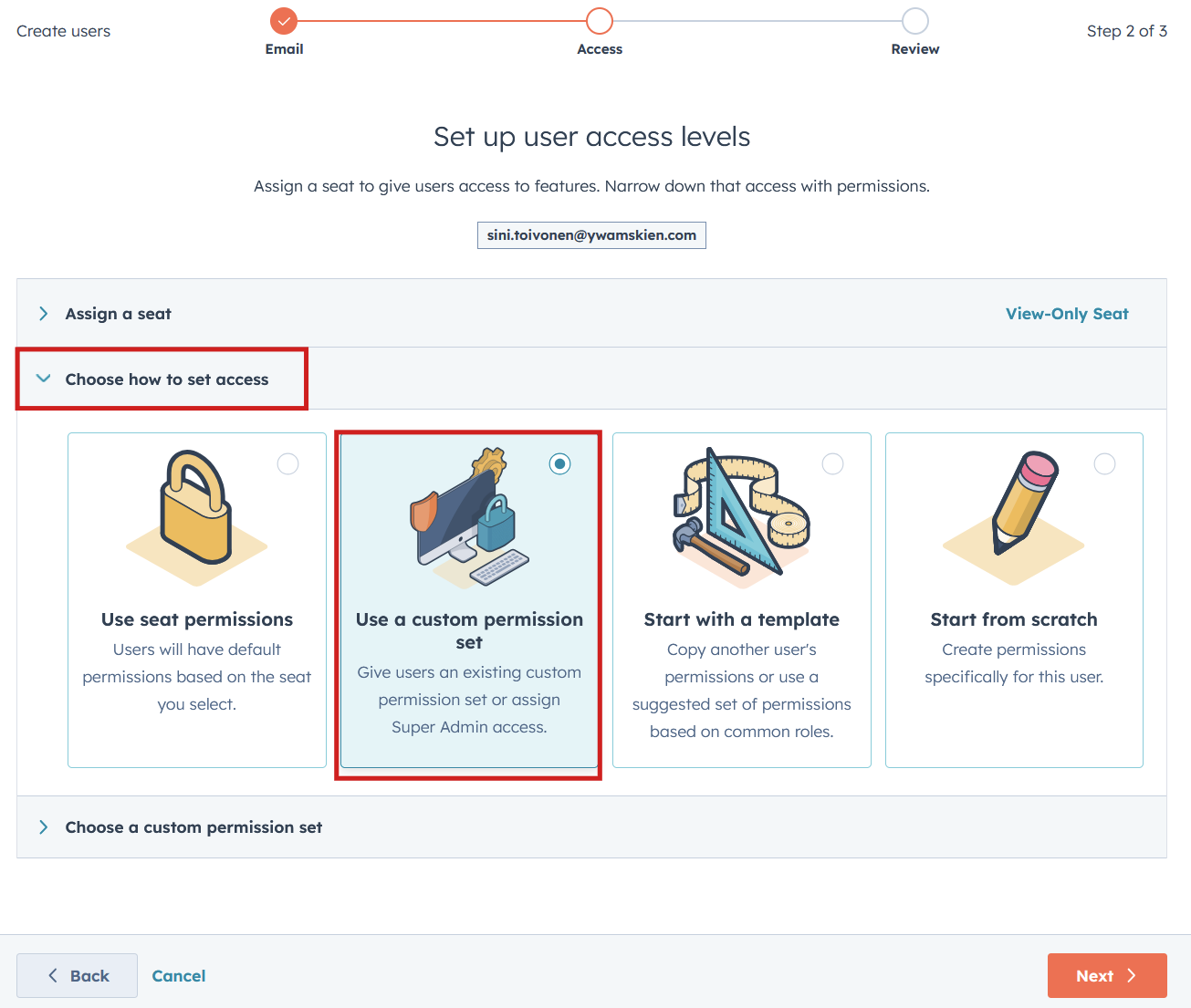
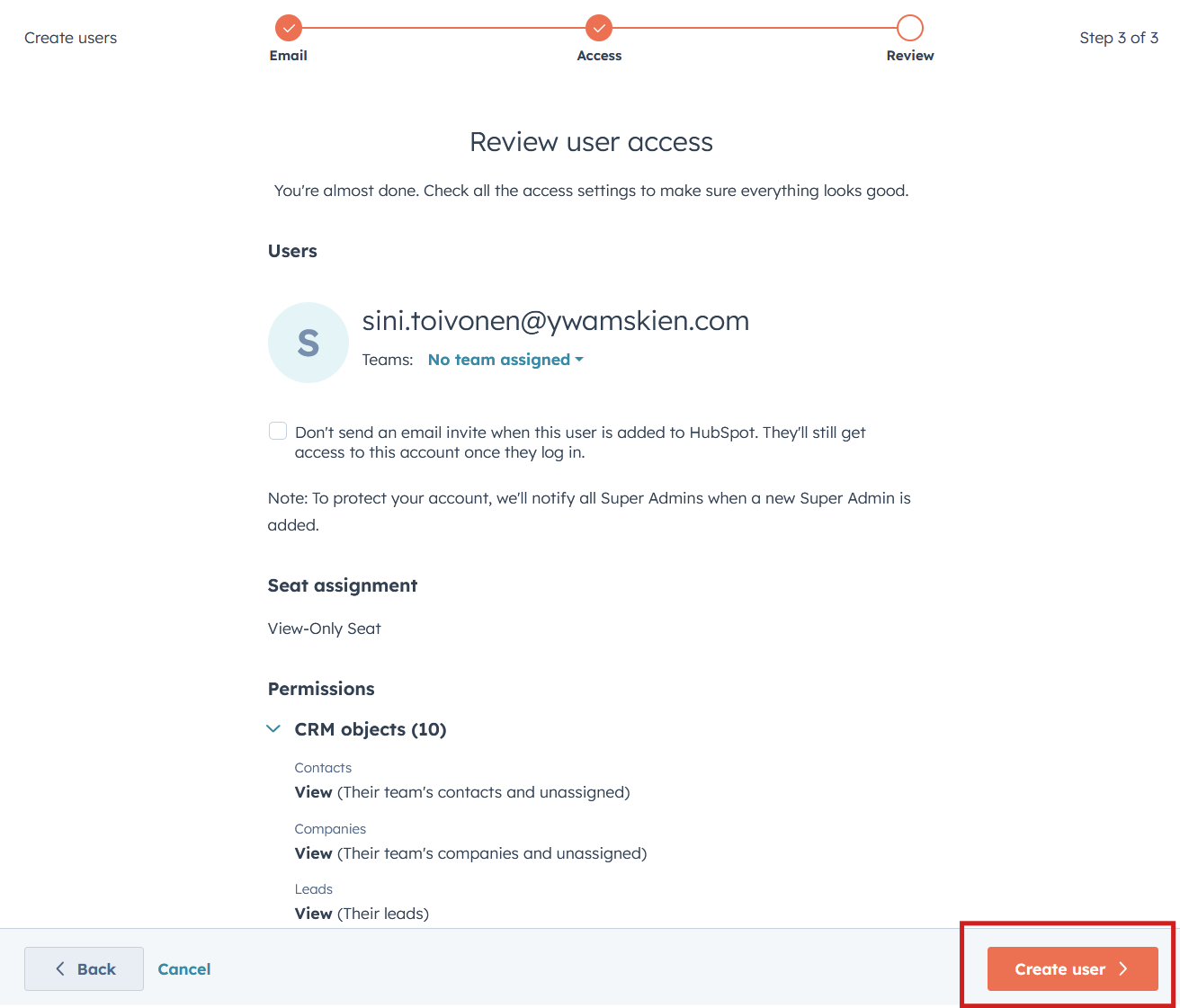
Give a View-only seat (they will use the form to get other licenses)

Select "custom permission set"
Select Application Handler (View-only)
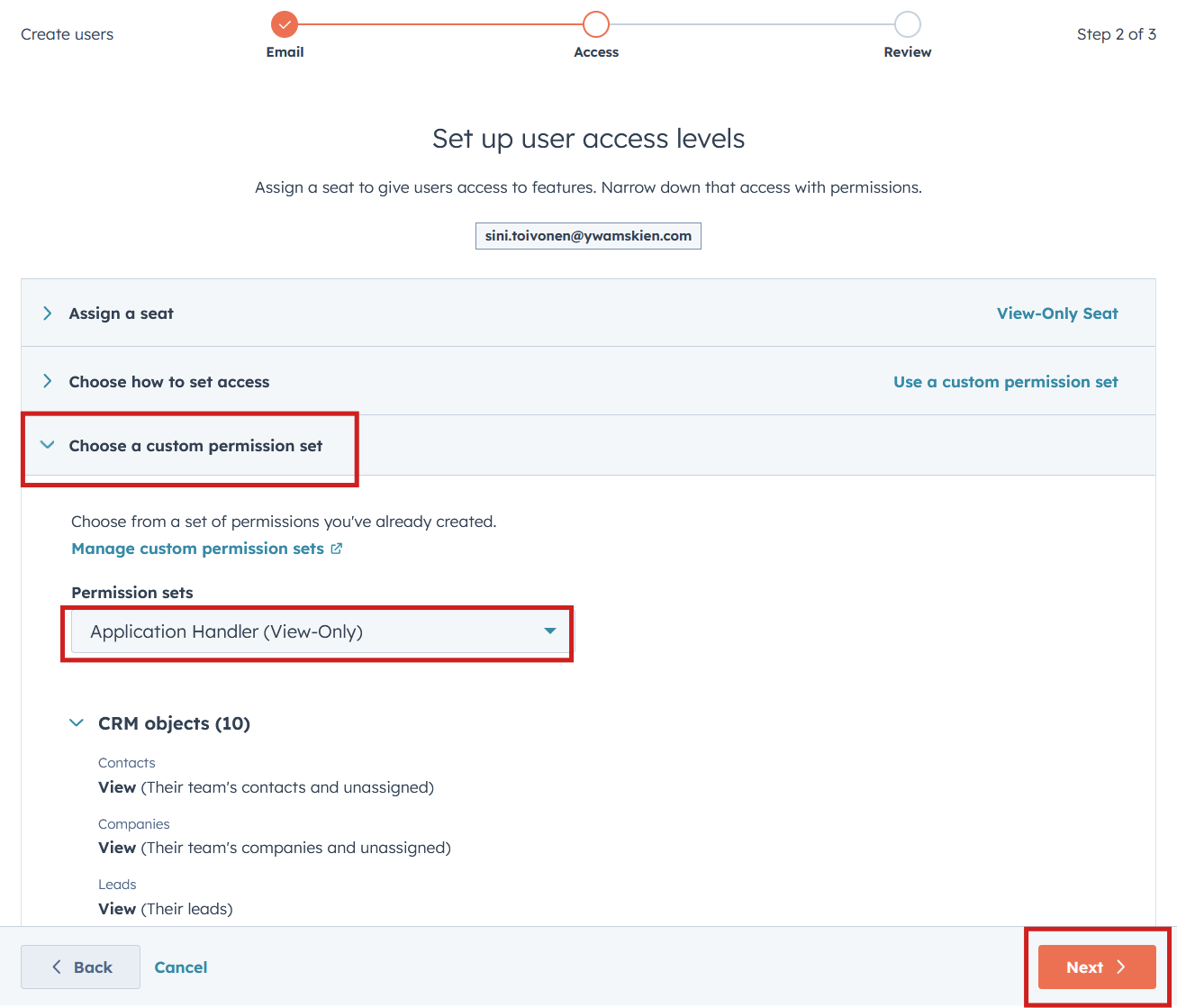
Click Create user to send the invite email.
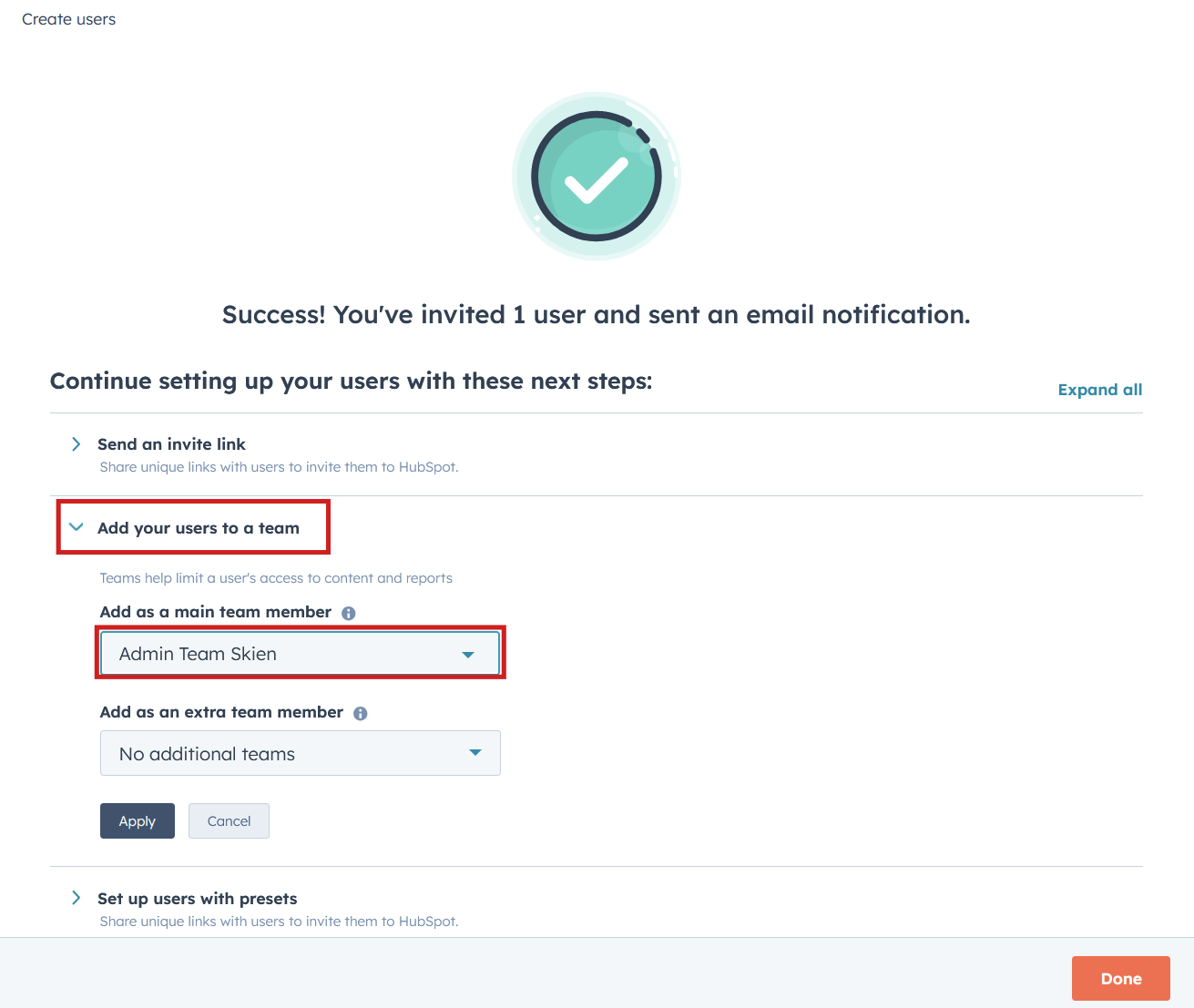
Put the user into the correct Team. You may also add additional teams if he will work for multiple ministries.
Set the preset "no email notifications" to ease up on the extensive emailing HubSpot does.
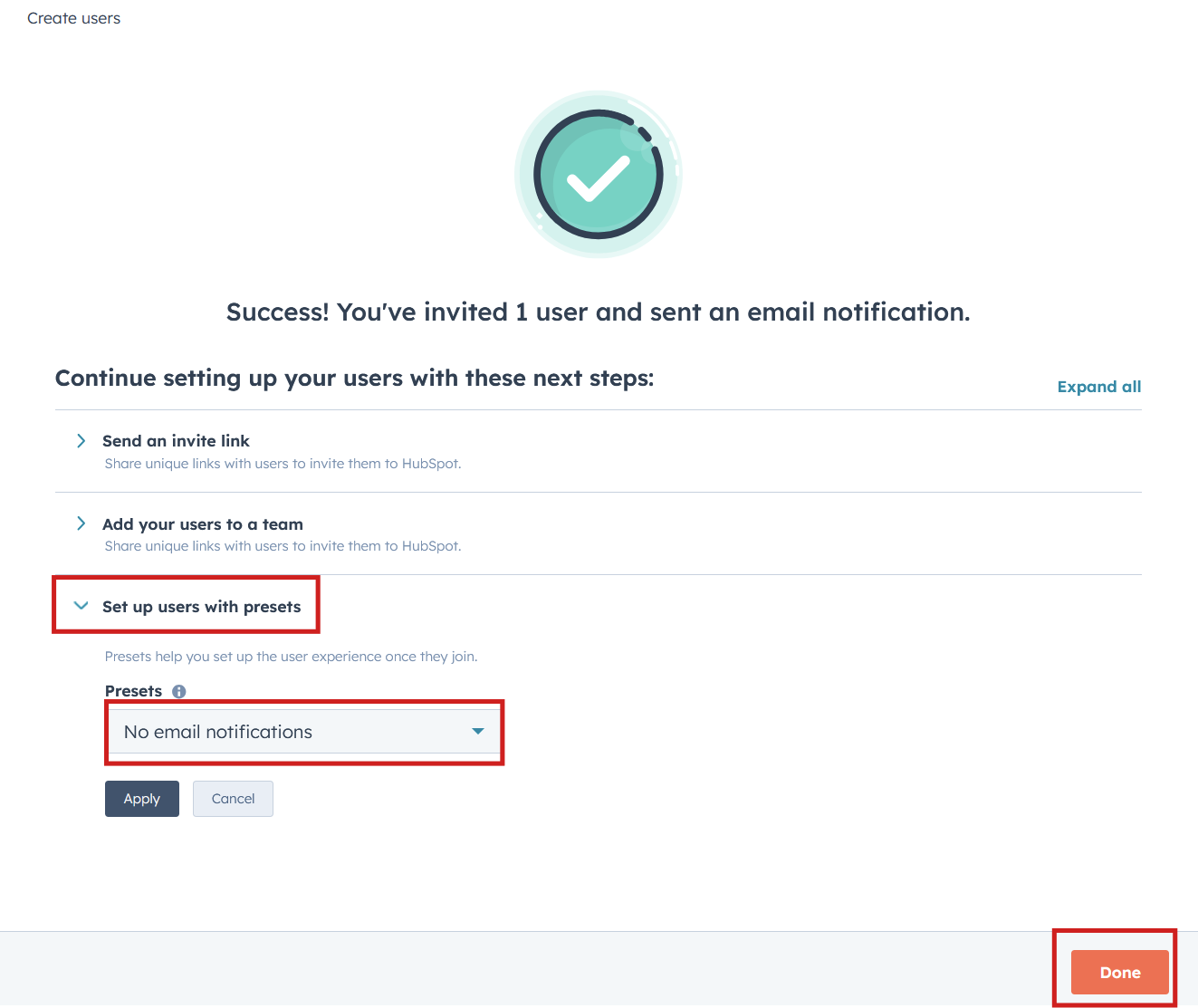
And you're done :-)